


Product
How To Build Financial Reports on the Fly With Vena Ad Hoc Reporting
Discover how Vena Ad Hoc Reporting lets finance teams pull live data into Excel and build custom reports in minutes, gaining valuable time back to focus on analysis.


The release of Claude in Excel has sparked excitement from finance analysts around its possibilities, the likes of which we haven’t seen since ChatGPT was first announced in 2022. If AI can build models, clean data, and generate insights directly inside spreadsheets, imagine the time savings this could bring.
With Claude embedded in Excel, you can prompt your way through formula creation, debug complex models, and run scenario analyses—without being an Excel expert. Microsoft’s Copilot agent mode is also lowering the barrier to entry when it comes to Excel proficiency, giving users access to advanced AI models like Claude or ChatGPT directly within their workflow.
But as FP&A teams eagerly explore the potential applications for these AI tools, there’s an important nuance they need to consider: Claude in Excel operates on whatever data exists in the spreadsheet. It doesn’t solve for where that data comes from, how it’s governed, or how multiple teams contribute to and trust it.
That’s where a platform like Vena plugs in—and why the more useful question isn't whether to use Claude or Vena, but what role should each play in your finance stack?
In this article, we’ll cover:
As tools like Claude in Excel become more capable, the build vs. buy debate has come roaring back into finance.
If you can generate formulas, automate analysis, and spin up models with a prompt, why invest in a CPM platform at all?
As a result, people are making bold claims across the market—that FP&A software is becoming obsolete, or that SaaS itself is on the decline.
There’s a kernel of truth beneath these statements. AI is genuinely compressing time-to-output for financial analysis and making interfaces more flexible and accessible to a broader set of users.
But building a model faster is not the same as building a system. And finance runs on systems—from structured planning cycles to repeatable reporting processes.
So the real question isn't whether AI is useful—it clearly is. Instead, the question is where does AI create leverage, and where does a CPM platform like Vena fill in the gaps AI leaves behind?
If you’re just getting familiar with Claude, here’s an overview of how it can potentially support your FP&A workflows.
Claude in Excel introduces a new layer of capability inside a familiar environment. You can ask questions in plain language, generate formulas, clean messy datasets, and build models with far less manual effort.
Claude operates closest to the last mile of analysis—where questions are asked, models are adjusted, and insights are generated from existing data. It offers:
Claude can’t manage how data is created, updated, or shared across a business. That shows up in a few important ways:
It doesn’t create a governed data foundation: Claude can clean or restructure data, but it doesn’t establish a single source of truth. When numbers live across multiple files and owners, inconsistencies persist. And without that governed source of data, finance teams will still spend more time reconciling than analyzing data, no matter how AI-powered they are.
It doesn’t manage cross-functional planning: Planning breaks down when inputs come from multiple teams. Sales, HR, and Operations might use different formats and timelines. Claude can’t coordinate these inputs into a unified plan; it works at the individual user level.
It doesn’t enforce process or accountability: There’s no built-in layer for workflows, approvals, or deadlines. Teams still rely on emails, haphazard file management, and manual follow-ups. As cycles get busier, that lack of structure slows everything down.
It doesn’t provide auditability at scale: Understanding who changed what—and why—remains fragmented in spreadsheet-based environments. Without clear audit trails, your confidence in the numbers erodes, especially in high-stakes reporting scenarios.
It doesn’t scale reliably across planning cycles: What works for one model doesn’t always hold up month after month. Without a structured system, teams rebuild or patch processes each cycle, introducing inconsistencies that compound over time.
Vena takes the same Excel environment your team already uses and connects it to a governed, multi-dimensional database.
You’re still working in spreadsheets, but now instead of each file being its own universe, everything is tied to a shared data model, structured workflows and a single version of the truth.
Instead of pulling data into Excel and rebuilding logic every cycle, with Vena, you’re working on top of a centralized model:
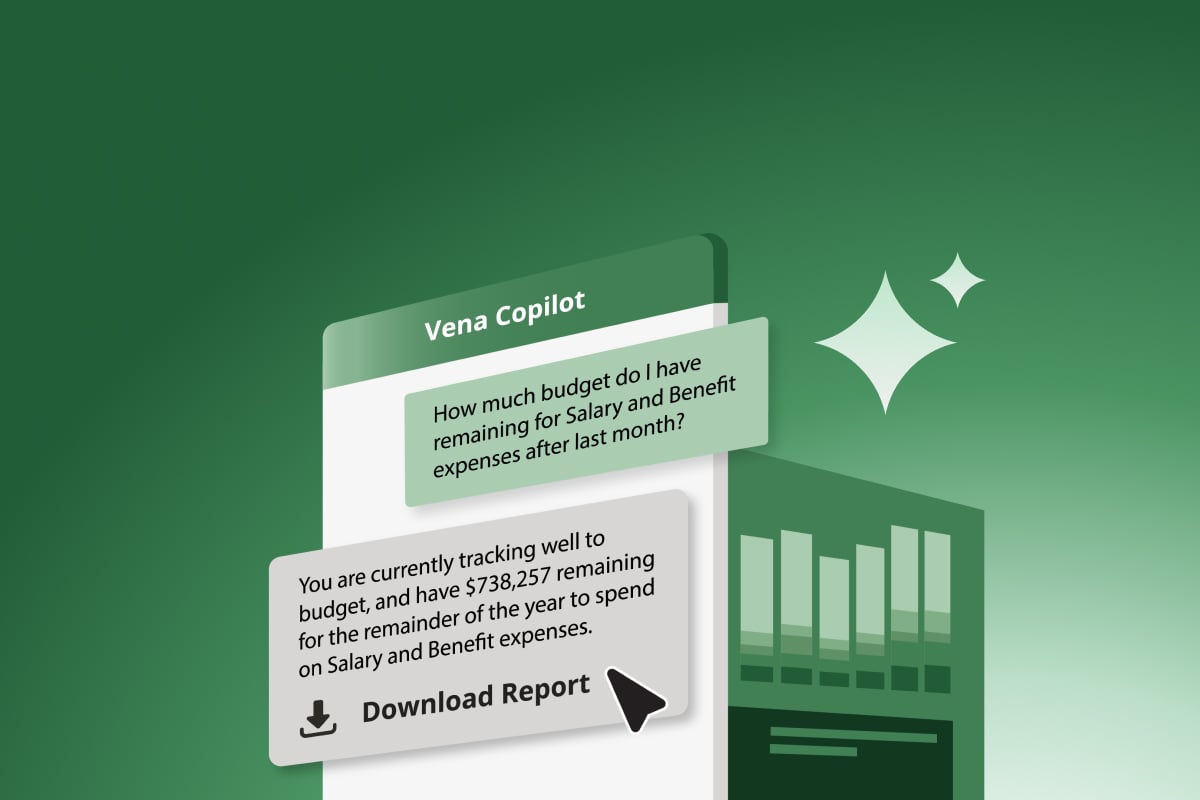
 AI tools such as Claude, Microsoft Copilot and ChatGPT operate on your individual spreadsheet, while Vena acts as the governed data layer and workflow orchestrator.
While AI tools like Claude read and analyze what’s visible in your individual spreadsheet, Vena operates several layers deeper.
Vena not only unites your actuals from all your source systems in a governed system of record, but it also provides your organization’s unique business context based on how you built your data models, and the workflow and process controls needed to manage inputs from multiple departments. What’s more, Vena’s MCP server gives you access to your trusted Vena data directly in Claude to support further analysis.
Instead of collecting inputs through disconnected files, with Vena, planning happens through structured workflows with clear ownership, standardized submissions, and visible progress. Despite its many strengths, this is a need AI tools like Claude can’t solve for.
Because Vena is natively integrated with Excel, this opens up some truly transformative possibilities for FP&A teams that wouldn’t be possible with AI in Excel alone, nor with traditional FP&A platforms that give you control, but force you into their own proprietary interfaces.
Here’s a look at how you can use Claude in Excel in tandem with Vena:
Claude can help prepare or analyze inputs from HR, Sales, and Finance, but it doesn’t coordinate how they come together. Teams have to rely on emails, shared files, and follow-ups to move the process forward.
Vena structures this layer of work. Inputs are collected through defined and automated workflows, ownership is clear, and progress is visible as submissions come in.
Claude is strong at this kind of work. It can take a raw dataset and quickly make it usable by standardizing formats, restructuring tables, and resolving inconsistencies that would take more time to fix manually. If you’re working with one-off datasets or pulling ad hoc exports, this alone can remove a meaningful amount of friction.
Vena changes the starting point altogether. Instead of repeatedly cleaning data at the point of use, data is already structured and pulled into a centralized model before it reaches Excel. That means finance teams spend less time preparing data each cycle and more time working with it.
Where this matters most is repetition. Cleanup is manageable once. It becomes a drag when it shows up in every reporting cycle.
Claude lowers the effort required to build and fix models. You can generate formulas, debug logic, and extend models without needing deep Excel expertise. This is particularly useful if you’re someone who’s not exceptionally proficient at Excel, or when working under time pressure or dealing with unfamiliar structures.
That flexibility is helpful in isolation, but doesn’t help when you need to build models at scale (for instance, when you need to run a large number of different scenarios).
Vena addresses that challenge by anchoring models to a consistent structure. Templates and calculations are defined once and reused across reports, forecasts, and plans. Teams still work in Excel, but they’re not rebuilding the same logic across different files or versions.
Claude is great at supporting ad hoc analysis when you need to explore something quickly. It allows FP&A analysts to test assumptions, run quick comparisons, and surface patterns in minutes rather than hours. For early-stage analysis or one-off questions, that speed is valuable.
But often, what starts as a quick analysis (like a pricing scenario or headcount plan, for instance) needs to be reviewed, adjusted and reused across planning cycles.
Vena can help turn quick analysis into shared, governed plans by bringing outputs into a more connected context. Instead of working within a single dataset, you can build scenarios on shared assumptions and a common data model. This makes it easier to compare outcomes across teams and planning cycles without running into version control issues or mismatched inputs.
In practice, this becomes important when analysis moves beyond one person.
Claude helps compress the distance between analysis and output. It can generate impressive charts, summaries, and presentation drafts directly from spreadsheet data, which speeds up communication.
That works well for individual outputs. The challenge tends to appear when the same numbers need to show up across multiple formats—reports, decks, dashboards.
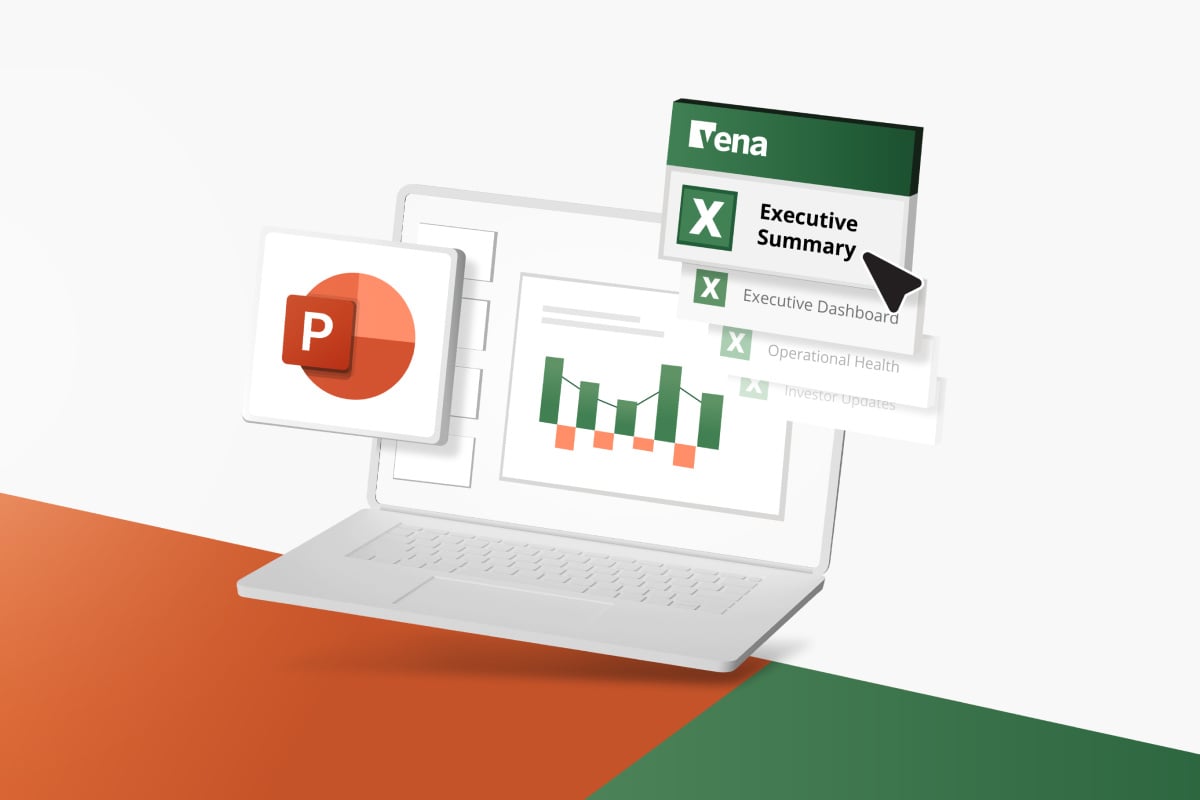
Vena connects reporting outputs to the same underlying data model. Whether you’re working in Excel, PowerPoint, or Power BI, the numbers come from a shared source. That reduces the need to recreate outputs and lowers the risk of discrepancies across what’s being presented.
The biggest value to be unlocked from exciting AI tools like Claude, is combining it with a governed and trusted source of data.
Claude expands what’s possible in the moment. It helps you interrogate data more freely, test ideas, and move from question to insight with less manual lift.
Vena takes insights from analysis and applies them across planning and reporting. It keeps data consistent and processes coordinated so that the outputs reflect the same underlying reality across the business.
When finance teams use Claude and Vena together, they get the best of both worlds: democratized insights and functions with just natural language, and audit-ready structure and governance. They can move quickly when exploring questions, and then rely on a system that holds those answers steady as they flow into planning, reporting, and decision making.
That combination becomes more valuable as business complexity increases. The faster finance teams can test ideas, the more important it becomes to ensure those ideas don’t fragment as they move through the organization.
Book a demo to see how you can bring together AI-driven analysis with a planning system your team can rely on.

Watch our webinar on demand to see how Claude for Excel works alongside Vena to generate reports and templates faster than ever.
Watch NowNicole Diceman, Director, Product Marketing, Vena
Nicole Diceman is Director, Product Marketing at Vena. With a proven track record of driving product strategy and direction, she is heavily involved in driving new product ideas and development efforts and is closely aligned with customer needs and requirements. With her extensive knowledge and experience in product marketing, FP&A and the Vena platform itself, Nicole is a regular contributor to the Vena blog and often speaks at virtual and in-person events to share her ideas. A powerful advocate for product marketing innovation, Nicole is always on the lookout for creative new ways to bring additional value to Vena customers.