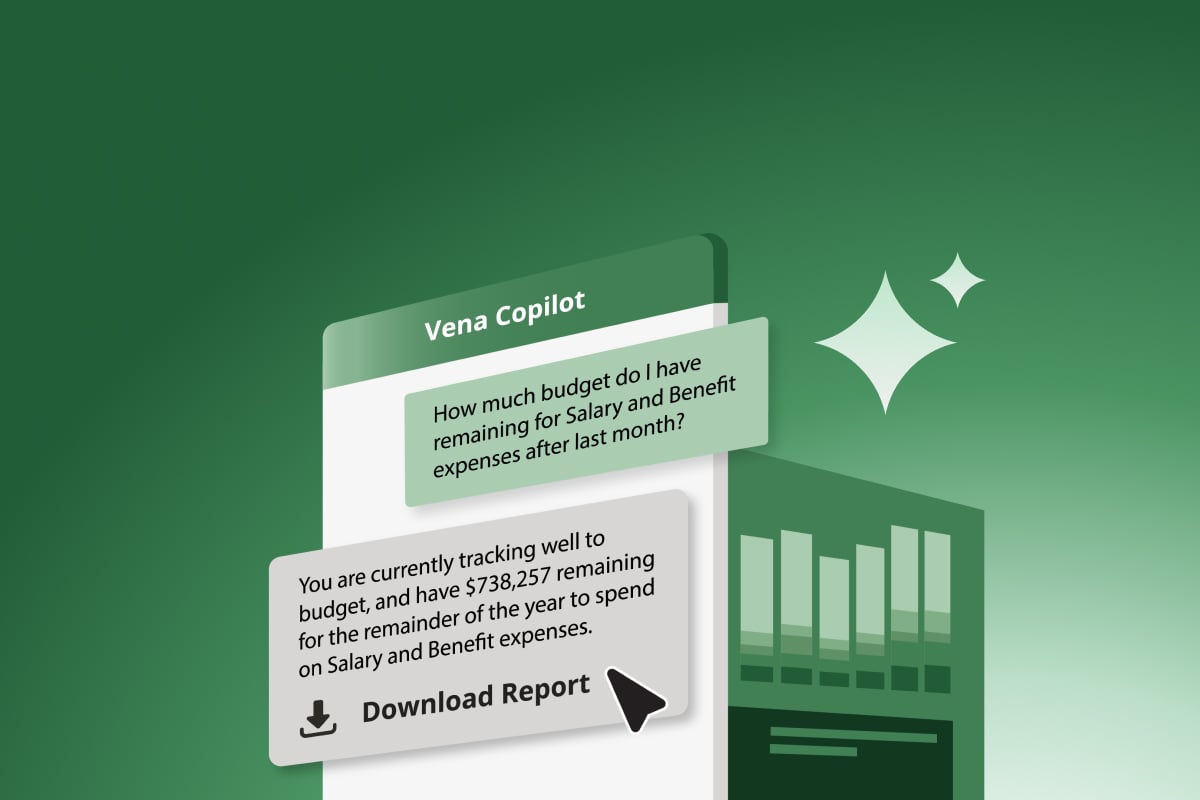
When it comes to generative AI, your best outputs will come from well-crafted prompts. And often, that means being as specific as possible.
"Even though we’ve been using natural language to communicate our whole lives, we need to talk to large-language models differently than we talk to other people, often in unintuitive ways," writes Jaime Teevan, Chief Scientist and Technical Fellow at Microsoft, for Fortune.
In the case of Microsoft Copilot, for instance, Microsoft guides their users to consider four parts to every prompt: goal, context, expectations and source.
When working with Vena AI, these are great ways to think about framing your prompt.
But what does a good prompt within Vena AI look like? In this blog, I’ll go over some best practices to consider as you write prompts in Vena AI and give you 10 examples you can run with.
Best Practices for Writing Prompts in Vena Copilot
Just think of the questions you’d ask your FP&A team—or at least the questions you’d ask if you wanted a detailed, well-thought-out answer. “What’s up with our business this year?” would probably earn you a blank look, wouldn’t it? Well, it’s also just as likely to get an error message from Vena AI, telling you your question is too ambiguous.
Rather, the more specific the question, the better. Try to reference members (the data in your hierarchy within Vena) by name as much as possible and specify the month and year you’re asking about.
For custom queries or calculations unique to your business, you may need to train Vena AI on how to find the answers you’re looking for (which you can do easily by adding to your saved Rules within Vena AI), but for more general queries like those below, that isn’t necessary.
With that in mind, let’s look at some useful prompts to use with Vena AI and why they work.
10 Vena AI Prompts To Get You Started
Vena AI empowers teams across your business by answering questions around any data that lives in your Vena database. And three of the most common areas of focus for teams querying Vena AI are revenue, operating expenses and profitability—so let’s look at some sample AI prompts for each of those FP&A categories.
Vena AI Prompts on Revenue
Everyone from your finance and operations teams to your sales and marketing teams are likely to come to you with questions about revenue. After all, it’s something everyone in the organization is invested in. Here are some sample Vena AI prompts related to revenue to get you, and those teams, started.
"Which entity is driving my revenue growth in Q2 2026 compared to 2025?"
This question could come from the FP&A team, an executive or anywhere else in the business. But it’s most likely to come during one of two main times: when monthly results are finalized and when forecasts and budgets are done. By referencing a historical comparison, you can see which areas of the business are growing, staying stagnant or falling behind.
"In which months are our sales expected to grow the most in 2026?"
For most businesses, sales are cyclical—which means there are always going to be months that see better results than others. It helps to understand what those trends look like as you budget or forecast for the months ahead. An AI prompt like this—whether it’s coming from FP&A, marketing or sales teams—can offer data on historical trends to help inform how you’re thinking of the future.
"How much growth did we plan for in 2026?"
This prompt offers teams a deeper understanding of the business goals for the year, letting you compare those goals to how you’re doing so far. This can help you understand how well you’re meeting those growth goals and where you might need to make changes to catch up.
Vena AI Prompts on Operating Expenses
Every department in your business has an operating expenses budget or target. Which means that, even more so than revenue, they’re all likely to have questions about operating expenses. Here are some examples of the types of Vena AI prompts you could use to answer their questions faster, or they could use to self-serve.
"What is the seasonality in my operating expenses for 2025?"
Like revenue, operating expenses aren't always flat throughout the year—they go up and down throughout the months. Understanding when expenses were accrued in past years can help you forecast better when they’re likely to be accrued this year as well—so you can plan toward your target more effectively.
"Which of my operating expense categories were biggest in 2025?"
This kind of prompt helps you determine where your business is spending its money—whether it’s on salaries, advertising, promotions or something else entirely. Identifying your biggest expense categories helps you budget better and find areas where cuts can be made.
"Which department spent the most in 2025?"
Similarly, this prompt gives you a sense of how your expenses are distributed and which departments are racking up the most expenses. This allows you to set your budgets in a more equitable way for the year ahead and/or determine where cuts can be made or more value achieved.
Vena AI Prompts on Profitability
Profitability is usually more the focus of the FP&A team, rather than other departments throughout the business. That makes these example AI prompts most useful for FP&A specifically. You might find them helpful as you plan for the months and years ahead and analyze your past and future successes.
"What is my gross margin compared to my plan for September 2026?"
Profitability can be nuanced, and by asking Vena AI for specific data such as gross margin, finance teams can begin to understand how expenses and revenue are influencing profit—and how to account for that in their plan going forward.
"What is my year-over-year growth in profitability for June in 2026?"
By offering insights on how growth occurred in the past, these kinds of AI prompts for FP&A can help finance teams create budgets and determine growth goals for the months and years ahead. Vena AI is pre-trained to define profitability as net income, but if your organization measures profitability in a different way, you can set this as a rule in your Vena AI instance.
"How many months were we profitable in 2025?"
This prompt again can help pinpoint the seasonality of your business—that is, the months in which the business does well and when it’s less profitable. With that knowledge at your fingertips, you can begin to plan out your resource needs and spending.
Getting Creative With Vena AI
Beyond answering questions about your business's data, Vena AI can also help you with asking questions. Here's an example.
"Ask me 5 complicated questions about my Q2 2026 revenue variance as if I was in a board meeting"
Asking a question like the one you see above really flips the traditional roles around, where the AI model is creating questions for you to ask.
Coming full circle, you can then ask those questions to Vena AI to help your FP&A team pressure test their financial reporting. Playing with the tool to see how well it responds to your most challenging questions can reveal a lot about the model’s ability to comprehend your business.
Get Started Now
By applying the right prompts, Vena AI can empower anyone across your business to access insights and detailed answers quickly—without putting extra burden on your FP&A team. And now that you know how to craft a successful prompt, there’s nothing stopping you from getting the most out of your virtual complete planning assistant.
So good luck as you enable your entire organization and expand the capabilities of your FP&A team with Vena AI.